 Shop
Shop
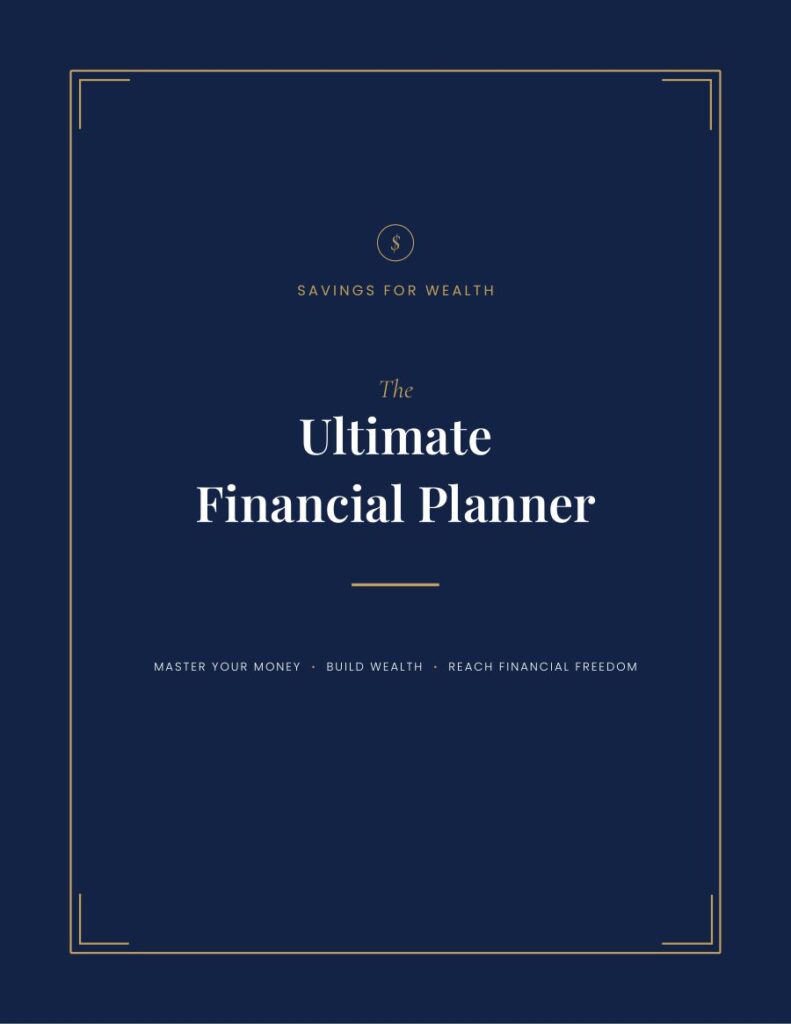
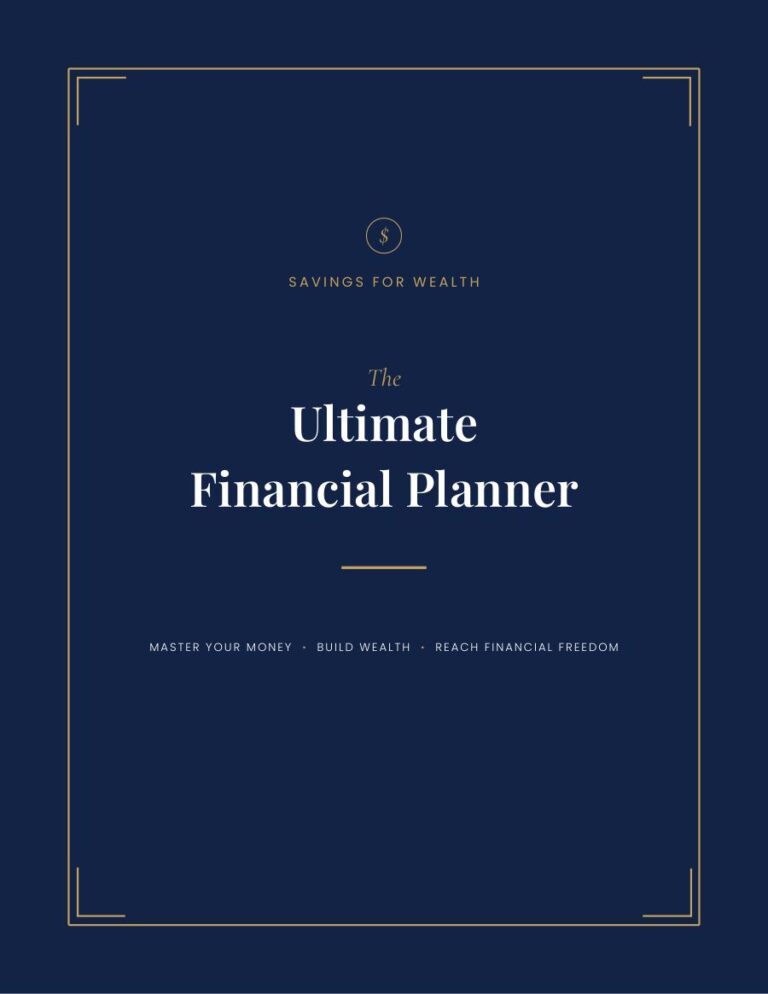
Ultimate Financial Planner — Editable Canva Edition
All 105 pages as editable Canva templates, plus the complete PDF edition — hyperlinked for tablets and printable in four paper sizes, in dollar and currency-neutral.
Everything you get, in one download.
No fluff, no 60-page workbook. Just the worksheets and formulas we actually use to plan every month at Savings for Wealth.
- Four Canva templates — digital and printable layouts, each in dollar and currency-neutral
- The complete PDF edition — hyperlinked digital plus printable in US Letter, A4, A5 and Half Letter
- Instructions sheet — how to import it and get started
For the household that's earning fine, but still wondering where it all went.
The Ultimate Financial Planner is a complete 105-page money system — goals, twelve months of budgeting, ten trackers, two debt-payoff methods, five savings challenges and a year-end review, all cross-linked so you can move between them in a tap.
What’s inside
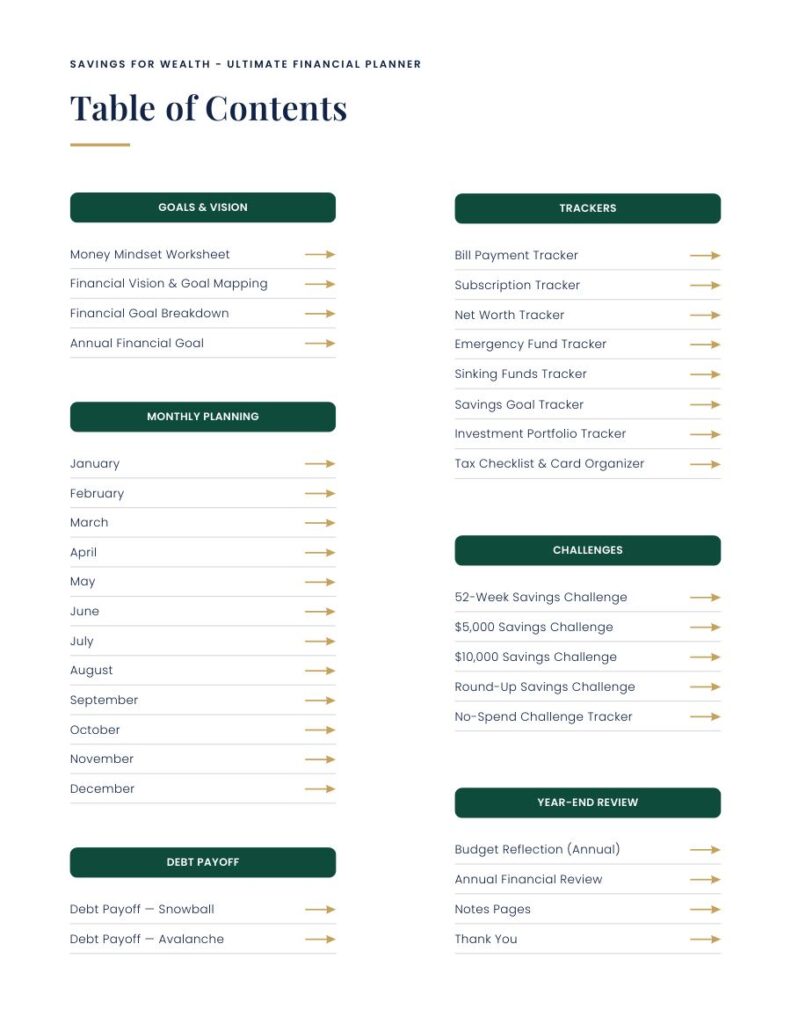
Goals & Vision — Money Mindset Worksheet · Financial Vision & Goal Mapping · Financial Goal Breakdown · Annual Financial Goal
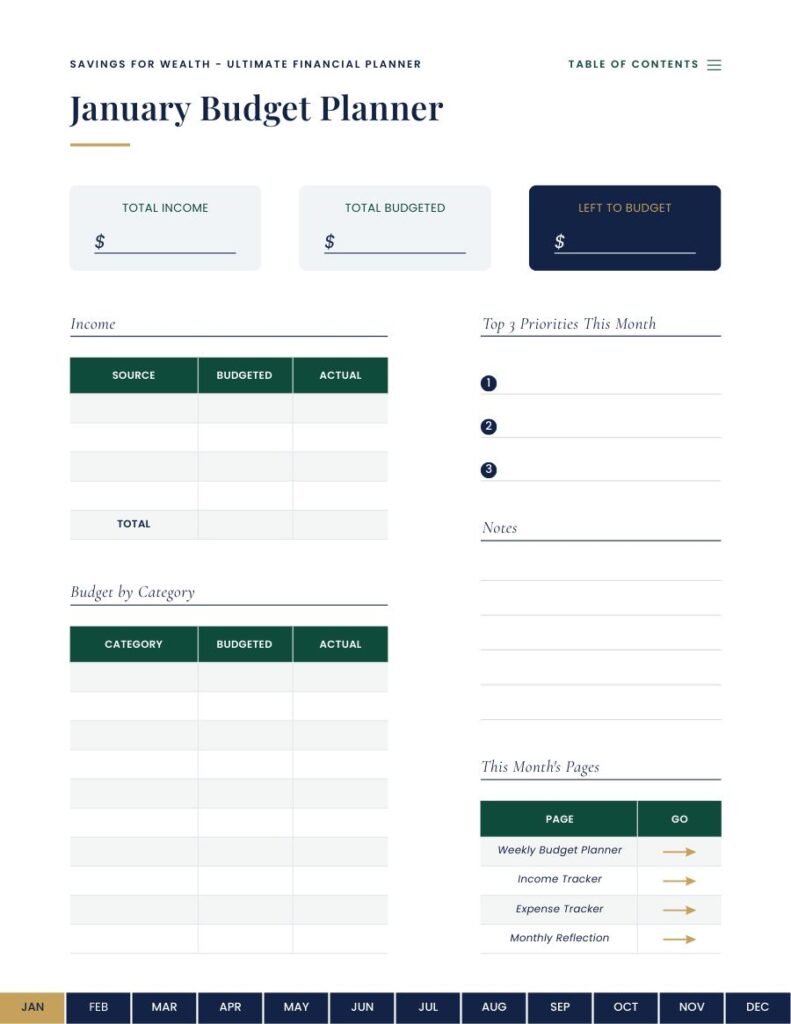
Monthly Planning — January through December, each with a monthly budget, weekly budget planner, income tracker, expense tracker and monthly reflection
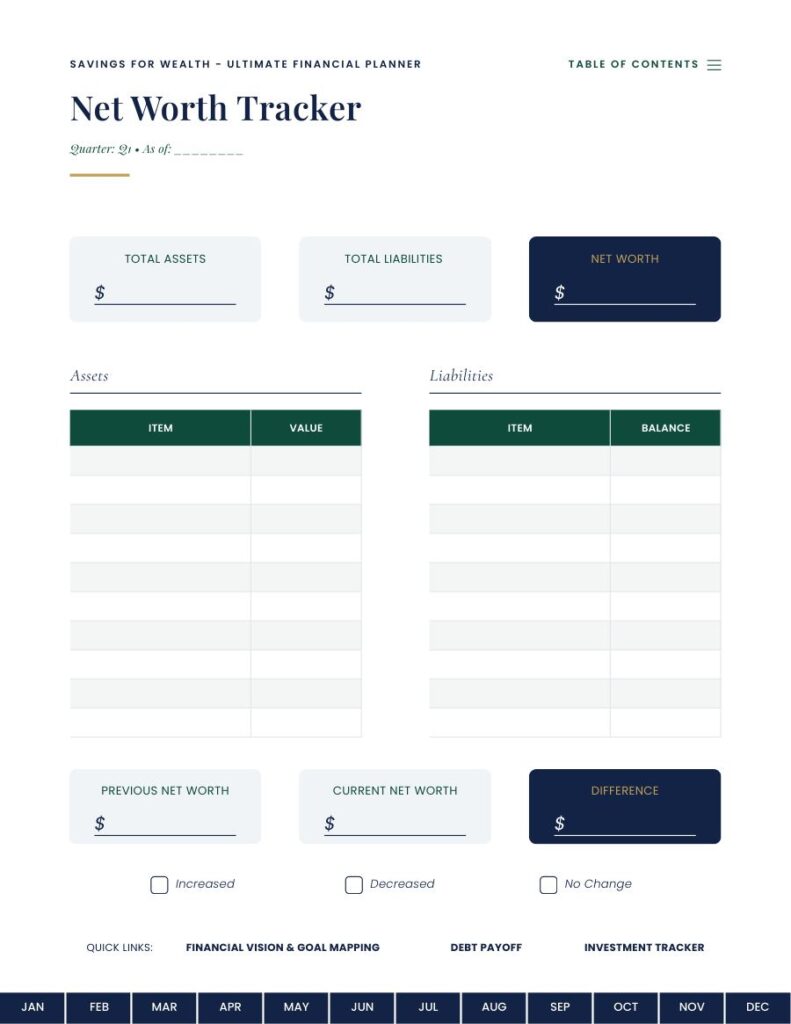
Trackers — Bill Payment · Subscriptions · Net Worth · Emergency Fund · Sinking Funds · Savings Goals · Investment Portfolio · Tax Checklist & Card Organizer
Debt Payoff — Snowball and Avalanche methods
Challenges — 52-Week Savings · 5K Savings · 10K Savings · Round-Up Savings · No-Spend Tracker
Year-End Review — Annual Budget Reflection · Annual Financial Review · Notes pages
What you get
Twelve files in total. Every template opens as your own private copy in Canva — editing it never touches the original, and you can come back to the links any time.
Make it yours
Change the wording, the colours, the categories, or the whole layout. Rename the trackers to match how you actually think about money, drop the pages you will not use, and print or re-export it as often as you like.
Use it on a tablet
The digital layouts carry a clickable table of contents, month tabs along the bottom of every monthly page, and quick-links between related trackers — so they work properly in GoodNotes, Notability and similar apps.
Or print it at home
The printable layouts drop the hyperlinks and come in four paper sizes, so they fit whatever your printer takes.
What you need
A free Canva account, and no design experience. Each template opens ready to use; you change only what you want to change.
How it reaches you
Your files and template links arrive by email the moment you check out. Nothing ships, and nothing expires.
Before
- Payday feels great, week three feels tight.
- Three subscriptions you forgot you had.
- Savings is "whatever's left" (usually nothing).
After the first month
- You know your real monthly number - to the dollar.
- Every bill has a home. Nothing sneaks up.
- Savings gets paid first, on paper, before it can vanish.
"Budgeting isn't about spending less on the things you love. It's about spending less on the things you don't even remember buying."
- from the Quick-Start Guide
Real pages. Real formulas. Nothing hidden.
A few sample spreads. What you see is what you download.
Three steps. You'll be budgeting tonight.
Check out securely
Pay by card in about 30 seconds. We don't store a thing we don't need.
Get the files in your inbox
Your download link arrives straight after checkout - instantly, no waiting.
Print, open, fill it in
Start with this month. No spreadsheet skills needed. Give it 20 minutes.
Thirty days to be sure it works for you.
If a file does not work as described, is missing something listed on this page, or you cannot get it open, email us within 30 days and we will put it right or refund you. Because these are instant downloads, we cannot refund a change of mind once a file has been downloaded.
Straight answers.
What formats do I get?+
105 pages, Digital + Print, Editable Canva. Everything arrives by email the moment you check out - nothing ships, and nothing expires.
Do I need any special software?+
No. PDFs open in any reader on any device. Where a product includes a Canva or Google template, you get a link that makes your own copy in one click - no account sharing, and nothing you do touches our original.
Can I use it on my phone or tablet?+
Yes. PDFs open on any phone or tablet, and hyperlinked versions work in note-taking apps like GoodNotes and Notability so you can write straight onto the pages. If you prefer paper, the printable versions are sized for home printing.
How does the refund work?+
Email [email protected] within 30 days with your order number and what went wrong. If the product does not match its description, is missing an advertised part, or the file is faulty, we will replace it or refund you. We usually reply within 2 business days. Because the files download instantly, we cannot refund simply for a change of mind.
Do I get future updates?+
Yes - every new edition is free for existing customers. When we release the next version, you get an email with the fresh files.
Can I share it with my partner?+
Please do. It is a household license - one purchase covers everyone under your roof. What we ask: do not post the files publicly or resell them.
Is my payment secure?+
Checkout runs through our payment provider. We never see or store your card details, and the whole site runs on HTTPS.
What buyers say.
The three cards below are placeholders for design review only. They will be replaced with real, verified customer reviews before launch.
"I have started three budgets this year and quit all three. This is the first one I have actually filled in twice. Something about doing it on paper on a Sunday night makes it stick."Rachel M.Placeholder · replace before launch
"The printable pages are what sold me, but the Google Sheet is what I use. I typed our numbers in on the first evening and finally saw what we spend on food each month. It was not what I thought it was."Daniel O.Placeholder · replace before launch
"Clean, simple, and it prints properly on US Letter without cutting anything off. That last part matters more than you would think."Priya S.Placeholder · replace before launch